Shopify
Unlocking Customization for Your Shopify Checkout

Written by Noel
Published:
3 min read
Topics researched with AI assistance; reviewed and edited by Noel before publishing.
Explore this topic
More Shopify guides, glossary entries, and practical workflows live on the topic hub.
What is it?
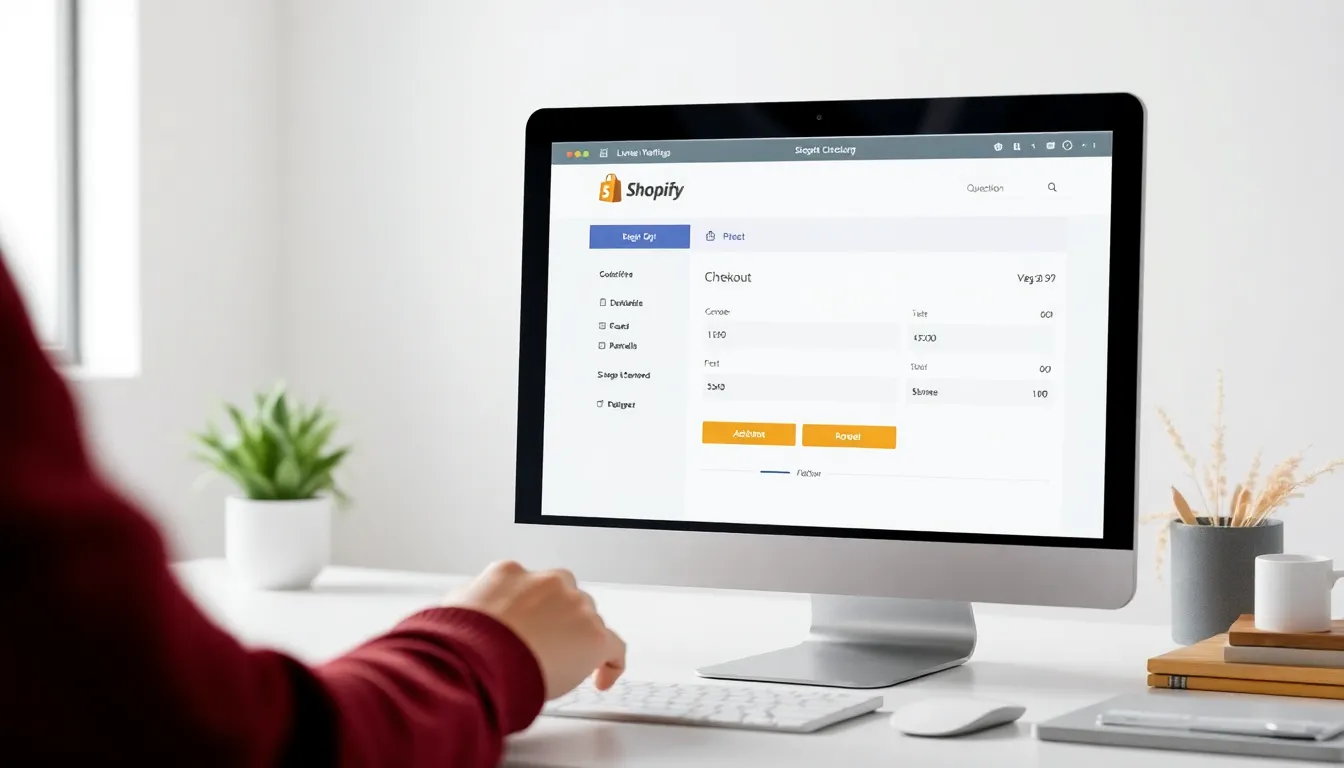
Shopify Functions checkout customization refers to the ability to tailor the payment options available to buyers during the checkout process. This is achieved through Shopify Functions, which allow developers to create specific rules and behaviors for payment methods. By utilizing this feature, merchants can hide, reorder, rename, or even set payment terms based on various conditions, ensuring a smoother and more personalized checkout experience for customers.
Why it matters for merchants and developers
Understanding Shopify Functions for checkout customization is crucial for both merchants and developers. For merchants, it offers the ability to align the checkout experience with their brand and customer expectations. Developers, on the other hand, can leverage these functions to enhance the functionality of stores they build or manage, ultimately leading to improved customer satisfaction and potentially higher sales.
How it works in practice
When implementing Shopify Functions for checkout customization, developers begin by setting up their environment. This includes creating a development store and an app using the Shopify CLI. Once the environment is ready, developers can create functions that dictate how payment methods behave during checkout. For instance, a developer might create a function that hides certain payment options if the cart total exceeds a specific amount, or they might reorder payment methods to prioritize more popular options.
In practice, the customization process involves defining rules and conditions through code, which is then integrated into the Shopify checkout flow. For example, a merchant might want to add a review requirement for B2B transactions, ensuring that orders are vetted before payment is processed.
Common mistakes
While utilizing Shopify Functions for checkout customization can significantly improve the checkout experience, there are common pitfalls to be aware of. One frequent mistake is not thoroughly testing the customizations. Developers should ensure that all scenarios are accounted for to avoid disruptions during the checkout process.
Another mistake is neglecting the limitations imposed by Shopify Functions. For instance, certain payment methods cannot be renamed, and restrictions exist for payment customizations based on the merchant’s Shopify plan. It’s also important to remember that not all payment options may be available for all types of checkouts.
Related concepts
- Shopify Apps: These can be integrated with Shopify Functions to enhance overall store functionality. Explore the AI Blog Generator for Shopify to automate content creation.
- Checkout Settings: Understanding how checkout settings work can help merchants make better decisions about their customization strategies.
- Payment Methods: This includes all the different ways customers can pay during checkout. Customizing these methods can lead to improved user experience.
Free Shopify conversion audit
A practical 25-point checklist for product pages, trust, and mobile conversion — plus occasional updates and subscriber discounts.
Explore this topic
More Shopify guides, glossary entries, and practical workflows live on the topic hub.
Frequently asked questions
What are Shopify Functions?
Shopify Functions are a way to customize the behavior of checkout and payment options in Shopify. They allow merchants to modify how payment methods are presented during checkout, enabling greater control over the purchasing experience.
Why should I use checkout customization?
Checkout customization can enhance user experience and potentially increase conversion rates by tailoring payment options to meet your customers' needs. It allows you to hide, reorder, or rename payment methods based on specific criteria.
What common mistakes should I avoid with checkout customization?
Common mistakes include not testing your customizations thoroughly, failing to account for payment method restrictions, and overlooking the limitations of Shopify Functions, such as not being able to rename certain payment methods.