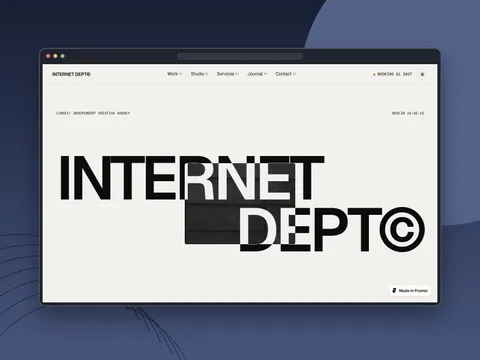
INTERNET DEPT
€25.00
Minimal motion-first Framer agency theme with CMS, light/dark mode, scroll-opening hero, and playful studio interactions.
framer theme
Complete Framer website templates with CMS collections, purposeful motion and conversion-focused layouts — ready to remix for your brand.
57 products
No products match these filters. Reset or try different options.
€25.00
Minimal motion-first Framer agency theme with CMS, light/dark mode, scroll-opening hero, and playful studio interactions.
€49.00
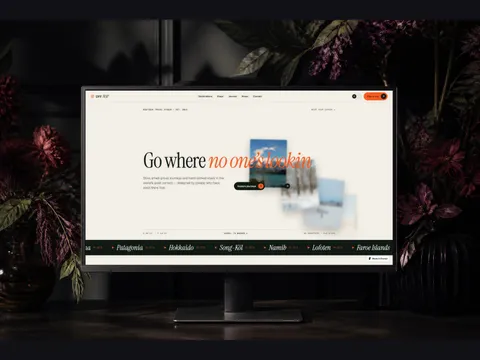
Premium Framer travel theme with CMS destinations and stays, interactive map, light/dark mode, and 12 custom animations.
€112.00
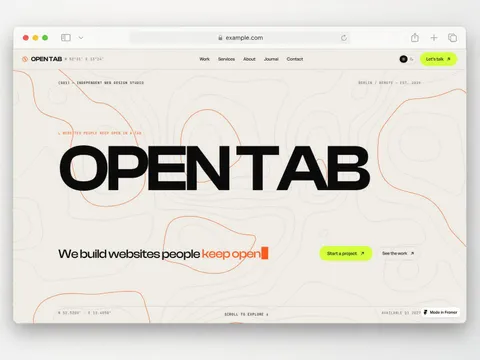
Bold motion-first Framer theme for design studios with 13 animated code components, CMS, and light/dark mode.
€112.00
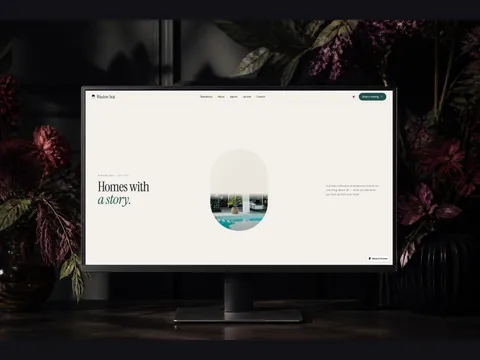
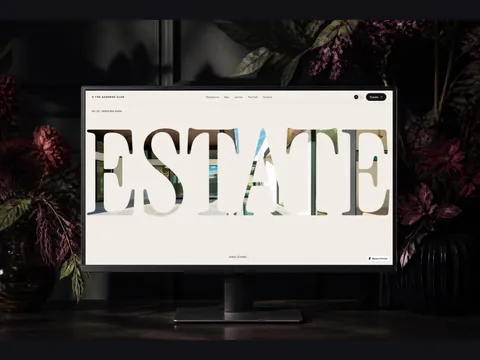
Editorial Framer real estate theme with cinematic animations, live property map, light/dark mode, and CMS listings.
€49.00
Animation-rich Framer theme for luxury brokers with CMS listings, interactive property map, light/dark mode, and 15 custom animations.
€129.00
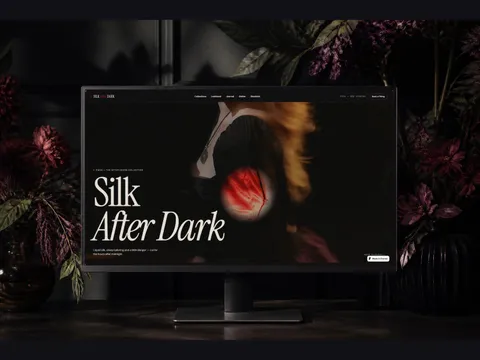
Nocturnal Framer fashion theme with 14 pages, full CMS, and 12 custom animation components — editable without code.
€59.99
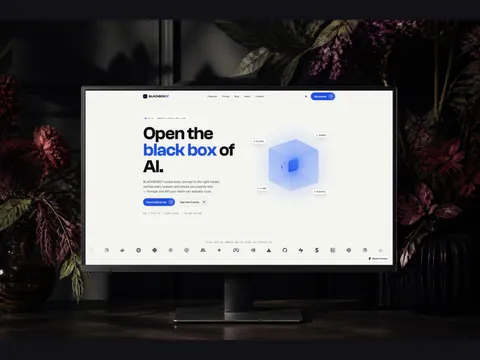
Dark motion-driven Framer theme for AI and software products with a 3D hero cube, flip cards, CMS blog, and light/dark mode.

€113.00
Dark premium Framer theme for fintech and wealth brands with custom animated components, CMS blog, and pricing toggle.
€43.00
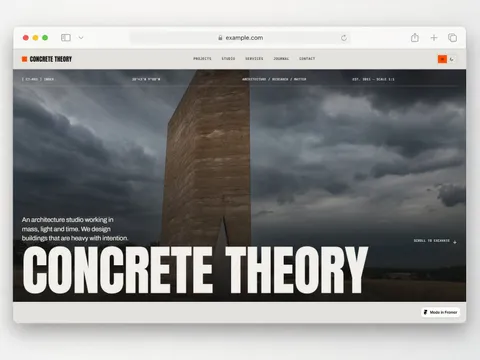
Brutalist architecture Framer theme with WebGL shaders, kinetic typography, CMS projects and journal, and light/dark mode.
€201.00
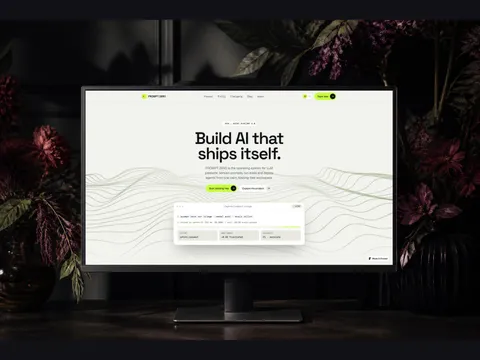
Motion-rich Framer theme for AI and SaaS with 3D scroll, shaders, light/dark mode, and CMS blog plus changelog.
€113.00
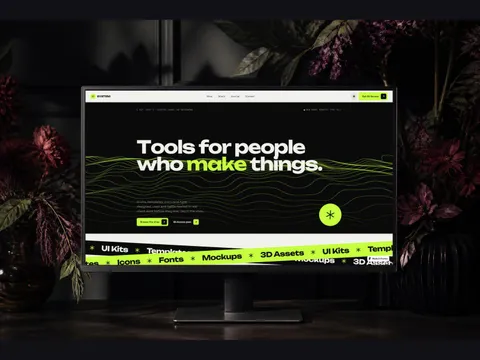
Motion-rich Framer theme for selling UI kits, templates, icons, fonts and mockups with a CMS shop and journal.
€113.00
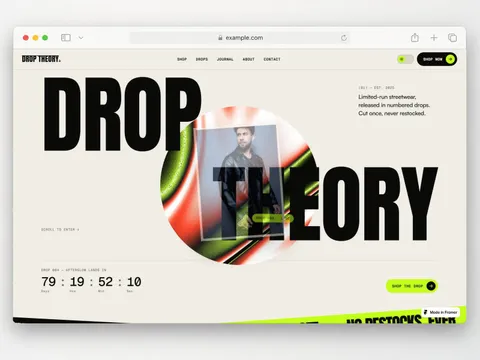
Kinetic streetwear Framer store with CMS shop, drop countdowns, journal, light/dark mode, and payment-link checkout.
€113.00
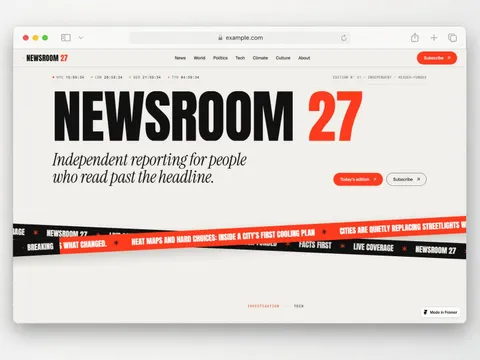
Motion-first Framer news and magazine theme with CMS articles, authors, categories, and light/dark mode.
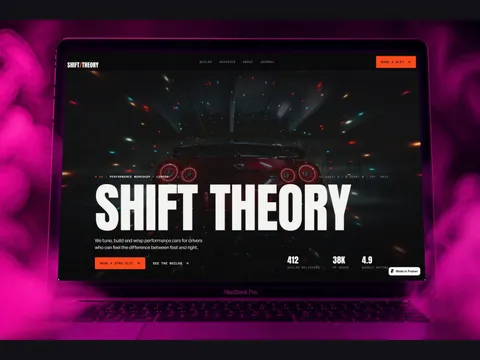
€218.00
Dark motion-heavy Framer theme for tuning shops and performance garages with gauges, before/after compare, and CMS builds.
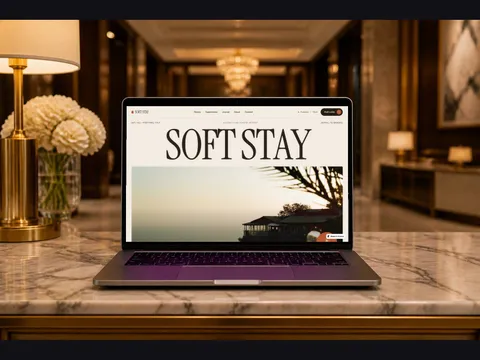
€113.00
Warm editorial Framer hotel theme with CMS rooms and experiences, cursor image trail, preloader, and stacking cards.
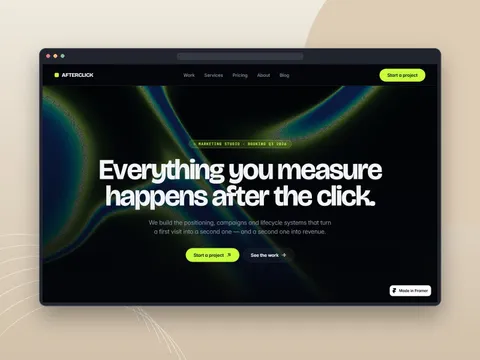
€112.00
Dark motion-led Framer theme for marketing and growth teams with sticky scroll storytelling and five CMS collections.
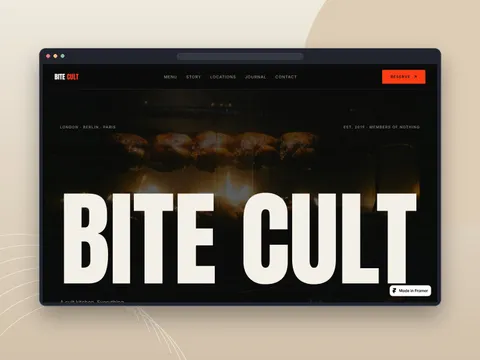
€29.99
Dark restaurant Framer theme with CMS pages, bold typography, and scroll-driven motion for bars and supper clubs.
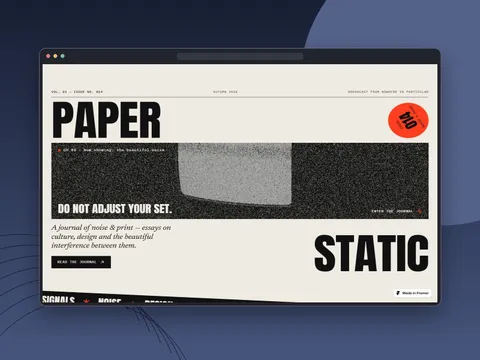
€69.99
Editorial Framer blog theme with CMS, sticky stacking stories, collage board, glitch text, and live noise.
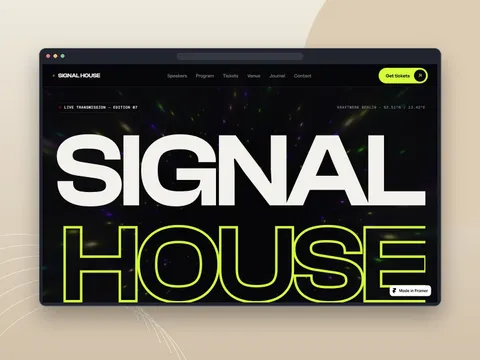
€89.99
Motion-heavy Framer conference theme with WebGL hero, speaker CMS, stacking agenda, and session pages.
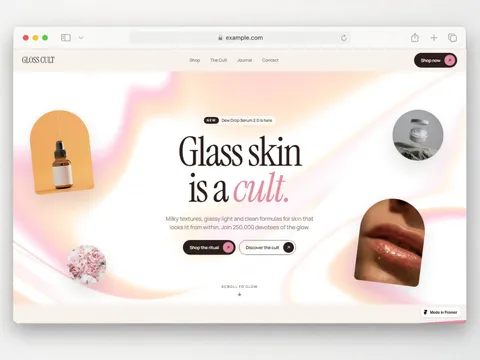
€129.00
Milky beauty Framer theme with CMS products, journal, dark mode, and scroll animations built for skincare brands.
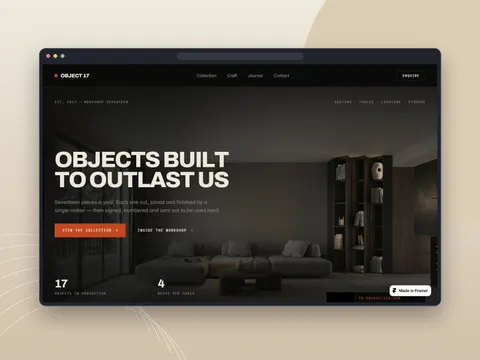
€59.99
Dark editorial Framer theme for furniture brands with CMS collection, journal, and scroll-driven animation.
€112.00
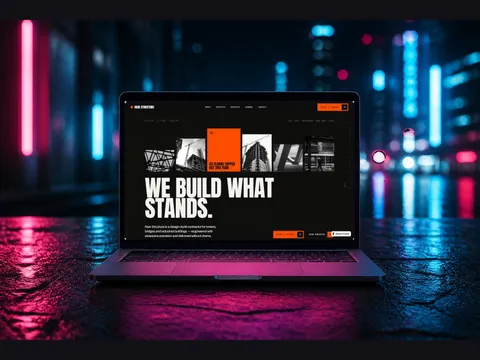
Brutalist Framer theme for construction and trades with 9 pages, 3 CMS collections, and custom motion.
€79.00
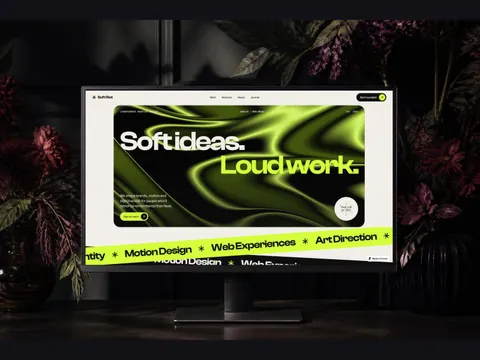
Animation-heavy Framer theme for creative studios with soft colors, loud type, and unusual scroll effects.
€59.99
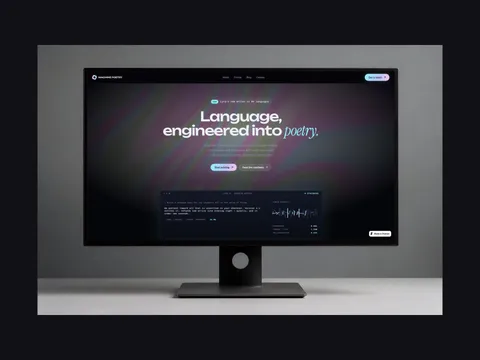
Dark holographic Framer theme for AI startups with kinetic type, 3D scroll, particles, and CMS pages.
€129.00
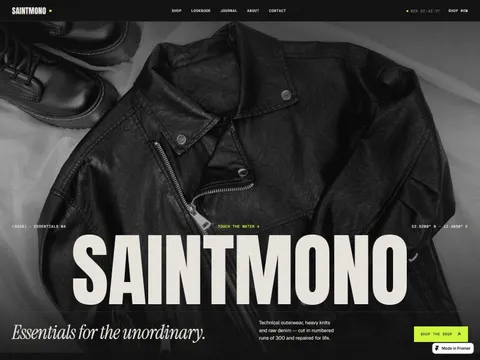
Dark motion-first fashion Framer theme with WebGL shaders, CMS shop, and payment-link checkout.
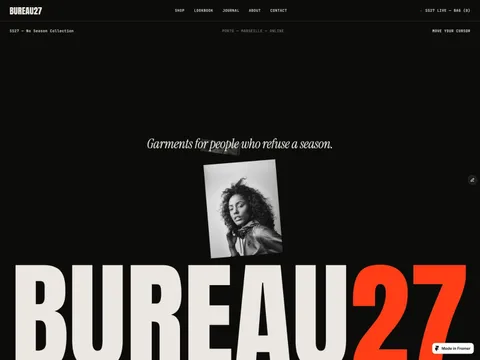
€110.00
Motion-first fashion Framer theme with CMS shop, journal, and scroll animations for streetwear brands.
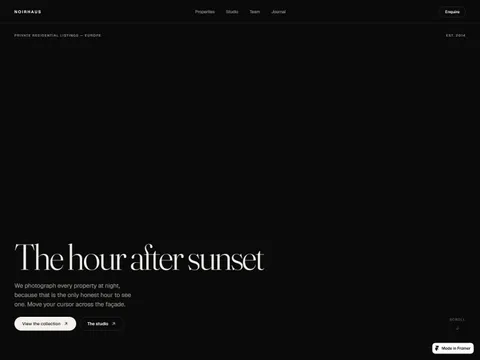
€68.00
Dark cinematic Framer theme for architecture studios and luxury real estate with CMS and hover-lit listings.

€76.00
Dark motion-first Framer theme for app and SaaS products with 3D scroll and six CMS collections.
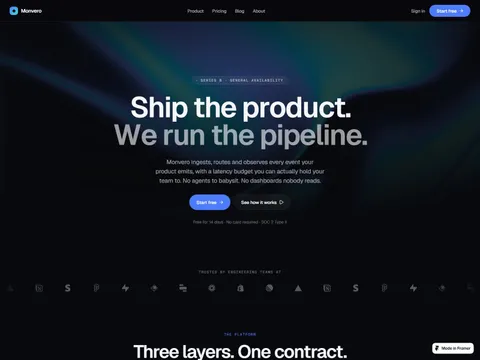
€49.00
Dark motion-led Framer startup theme with a token design system, CMS blog and team, and scroll animation.

€16.00
Print-inspired Framer theme for AI ops tools positioned around a Morning Brief — not a chatbot landing page.

€64.00
Dark motion-led Framer consulting theme with eight pages, four CMS collections, and animated gradients.
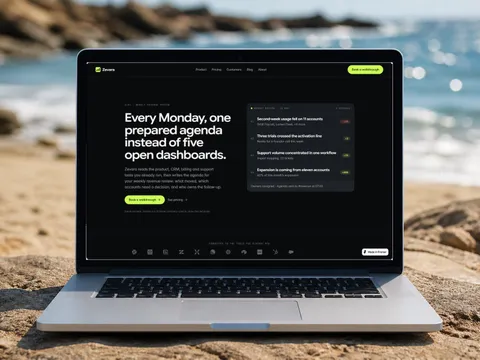
€42.00
Dark editorial Framer startup theme with blog, case studies, pricing, and full CMS — substance over stock gradients.

€29.00
Boutique real estate Framer theme with CMS listings, agents, and a clear path from first viewing to inquiry.

€29.00
Editorial architecture Framer theme with CMS portfolio, services, journal, and quiet studio storytelling.

€19.00
Elegant photography Framer theme with portfolio, priced services, booking CTA, and calm editorial storytelling.
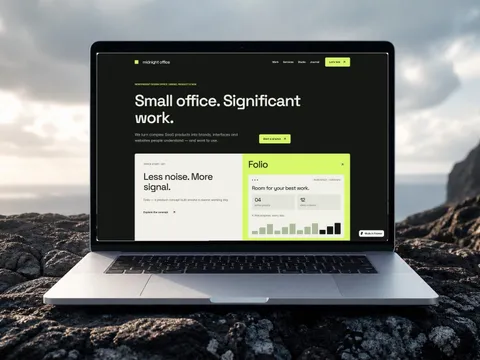
€29.00
Premium Framer theme for independent studios, SaaS founders, and product-focused agencies.
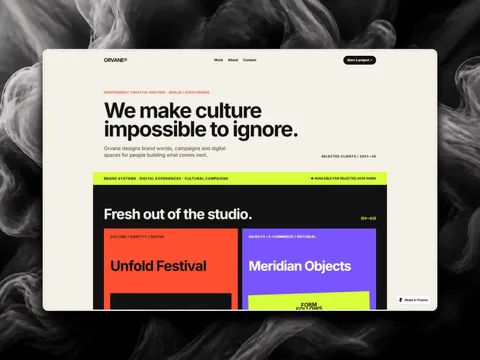
€19.00
Bold creative-agency Framer theme for brand worlds, campaigns, and digital spaces that demand attention.
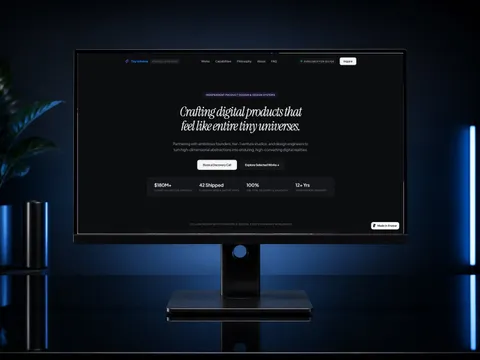
€29.00
High-end editorial portfolio with fluid spring physics, interactive mobile navigation, and conversion-focused client inquiry flows.
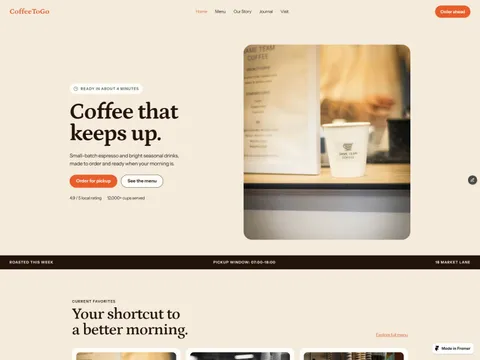
€19.00
Warm café theme with menu, CMS journal, pickup CTAs, visit hours, and editorial storytelling for coffee brands.
€29.00
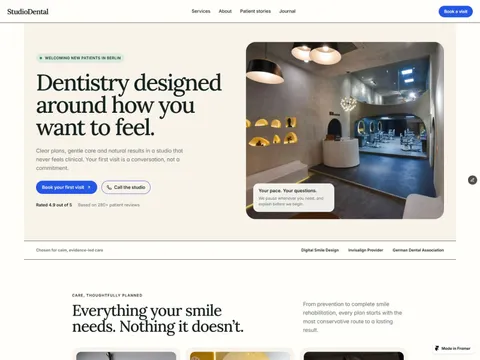
Dental clinic theme with services, pricing, CMS journal, patient stories, FAQs, and trust-building contact flows.
€24.00
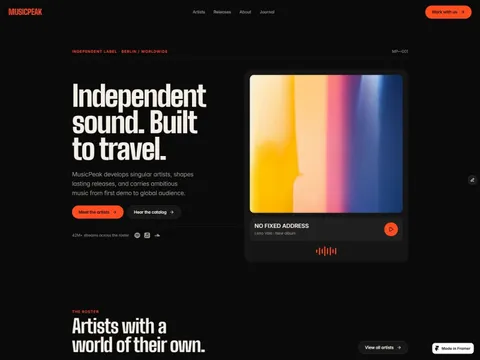
Music industry theme with CMS artists and releases, journal, services, contact and newsletter forms across 14 pages.
€19.00
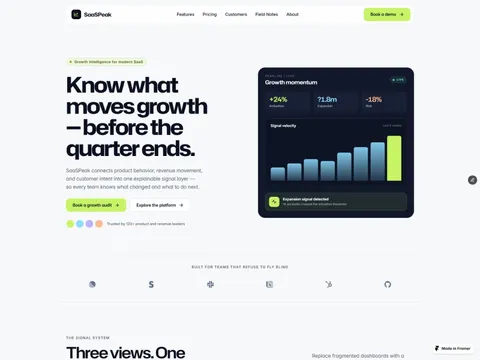
Conversion SaaS theme with features, pricing, customers, case studies, CMS Field Notes blog, and demo booking CTAs.
€29.00
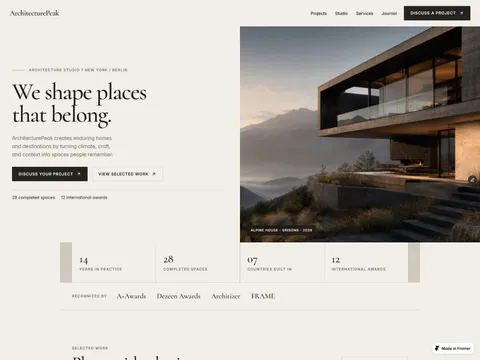
Editorial architecture theme with CMS portfolio, journal, studio pages, and image-led project storytelling.
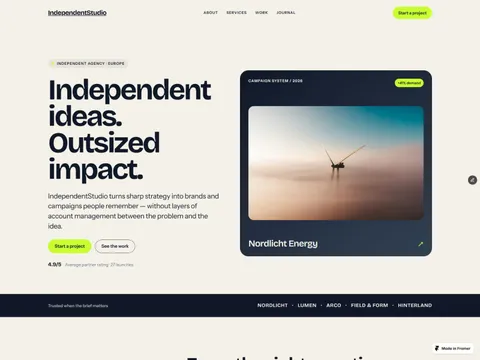
€19.00
Bold agency theme with services, case studies, CMS work and journal, vibrant accents, and conversion-focused layouts.
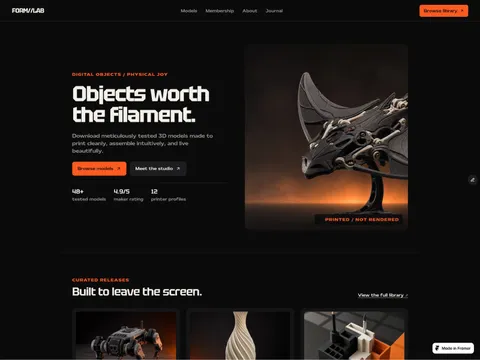
€79.00
A bold Framer storefront for 3D artists — model catalog, product pages, memberships, and a CMS journal.
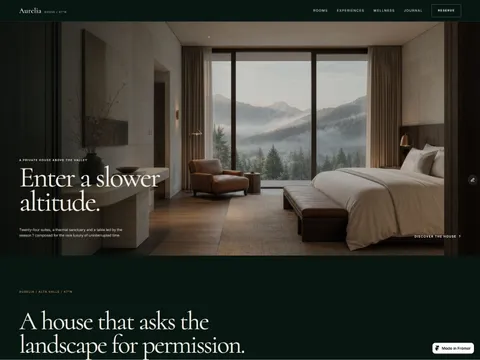
€19.00
Luxury hospitality theme with rooms, experiences, dining, wellness, and a CMS journal for destination storytelling.
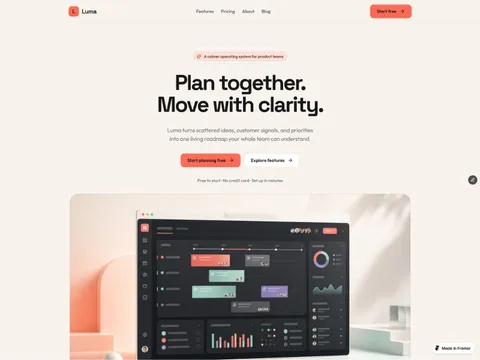
€49.00
A calm editorial SaaS theme with features, pricing, CMS blog, and polished form states for app teams.
€29.00
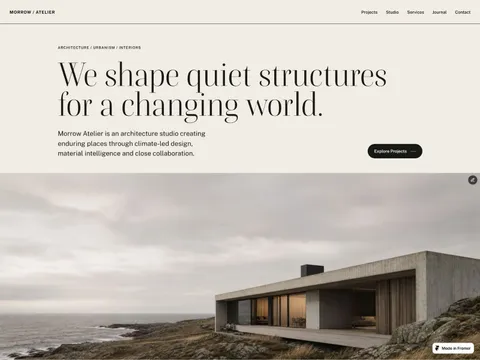
An editorial architecture portfolio with CMS projects, journal, services, and quiet, image-led layouts.
€29.00
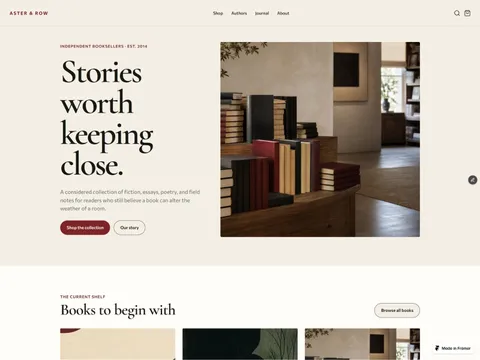
A refined literary storefront with CMS books, authors, journal, search, and category filters.
€29.00
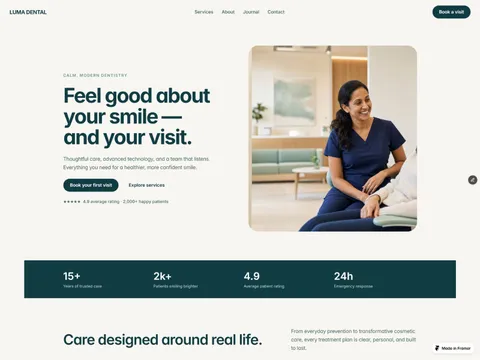
A refined dental website kit with services, booking, CMS journal, and calm trust-building layouts.
€19.00
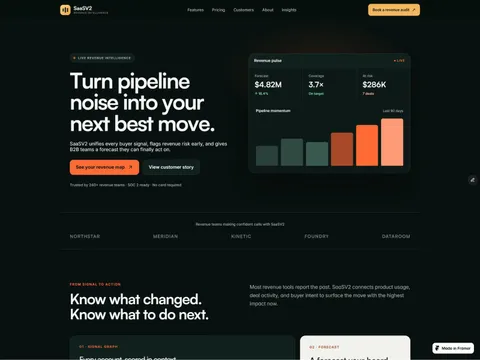
Dark revenue-intelligence SaaS theme with features, pricing, case studies, and conversion-led storytelling.
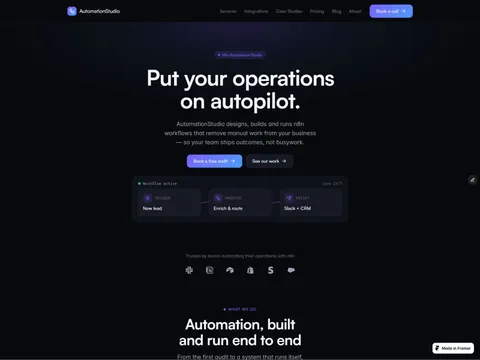
€39.00
Dark technical theme for n8n agencies — workflow hero, integrations, case studies, pricing, and CMS content.
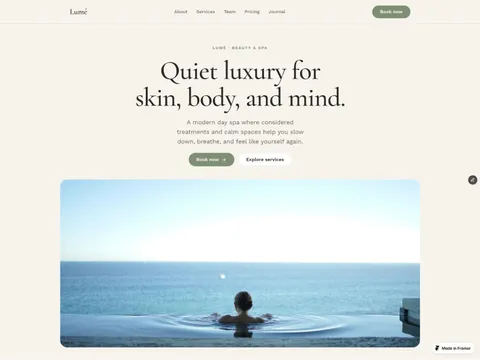
€29.00
Quiet-luxury spa and beauty theme with CMS services, team, pricing, journal, and calm editorial styling.
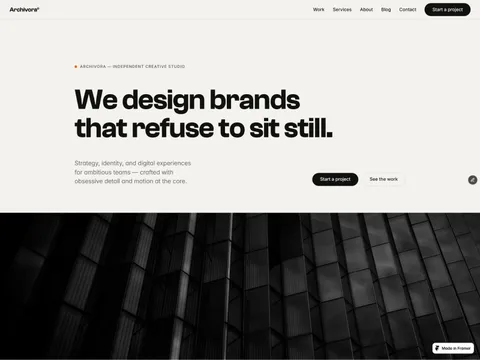
€49.00
Motion-first agency theme — CMS work and blog, sticky scroll, parallax, and craft-level interaction design.
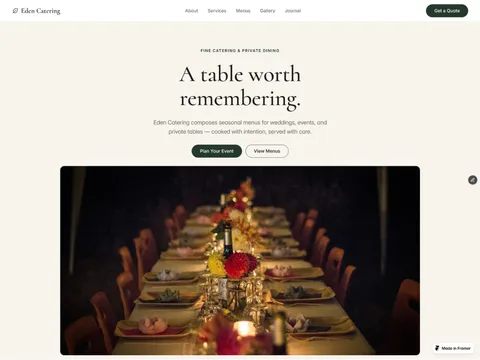
€59.00
Refined catering theme with CMS menus and services, gallery, journal, and a detailed event inquiry form.
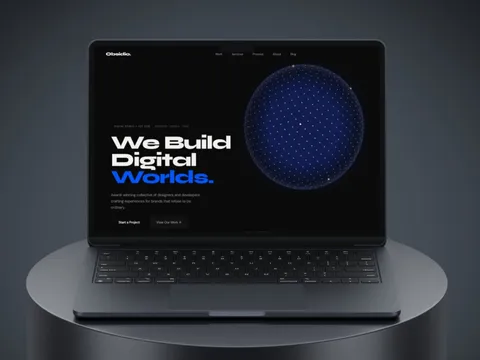
€69.99
Dark studio theme — Framer CMS for projects and blog, with globe hero, before/after slider, and kinetic motion.
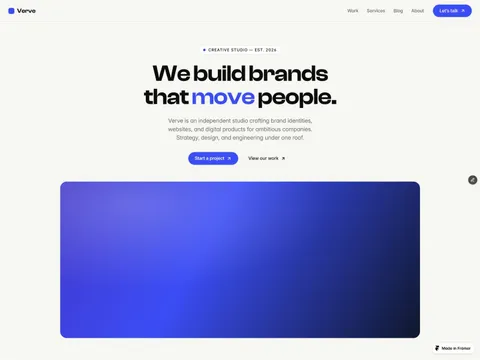
€69.99
Bold agency and studio theme — six Framer pages with CMS portfolio, journal, and editorial scroll motion.
Practical Framer Themes articles — guides and glossary, not news updates.

Framer · Guide · October 2, 2026
A long-tail checklist for Framer CMS fields: one SEO title and one meta description per post, wired to the page head, not only the canvas.

SEO · Guide · October 1, 2026
Chat widget searches routed to the Chatbase article, FAQ schema, and Shopify chat — without hiding answers from Google.

Framer · Guide · October 1, 2026
Theme-buying searches routed to the selection guide, CMS SEO, portfolio case studies, and launch checks.

SEO · Guide · September 22, 2026
Newsletter platform searches routed to Beehiiv strategy, homepage SEO, and productized store guides.
AI · Guide · September 10, 2026
Deploy Chatbase on marketing and SaaS sites without hurting crawl clarity — separate from Shopify product chat widgets.
Framer · Guide · September 10, 2026
Publish SEO-ready articles in Framer CMS — distinct from Astro theme shopping and portfolio case study pages.
Review SEO, mobile layout, CMS, and conversion basics before you publish — plus occasional updates and subscriber discounts.
You need a Framer plan that supports publishing with CMS collections — currently any paid site plan. The theme itself is a one-time purchase.
Everything is built with Framer styles and components, so colors, fonts and layout adapt from a single place.
Framer is strongest when a team needs a polished marketing site quickly without turning every change into a developer ticket. A well-built Framer theme gives you the structure of a professional site: reusable sections, global styles, CMS collections, responsive breakpoints and motion that supports the message instead of distracting from it.
That makes Framer themes a good fit for SaaS products, startup launches, creator brands, portfolios and waitlist pages. You can move from draft to published site quickly, then keep refining copy, sections and content inside Framer. The important part is choosing a theme that behaves like a complete website system, not a single decorative landing page.
A premium Framer theme should have more than a nice hero section. It should include real pages, consistent spacing, reusable components, thoughtful CMS setup and layouts that survive real content. Testimonials, changelogs, blogs, pricing pages and comparison sections should be wired in a way that is easy to edit after launch.
Responsive quality matters as much as desktop polish. Many templates look good in a preview but fall apart when a headline gets longer or an image has a different crop. The themes in this category are designed around practical launch needs: clear hierarchy, conversion-focused calls to action, CMS-backed content, and motion that respects performance and accessibility.
Choose a Framer theme when speed, design control and marketing iteration are the priority. If your site mainly needs to explain a product, publish updates, collect leads and look credible, Framer lets you move quickly. A custom codebase can make sense for complex application logic, unusual integrations or very strict engineering requirements, but many marketing sites do not need that level of complexity on day one.
A good theme gives you a head start without locking you into someone else’s brand. Update the typography, colors, images and CMS content, then keep improving based on real visitor behavior. That is the practical value of a strong Framer theme: less setup work, faster publishing and a site that still feels custom once your brand is applied.