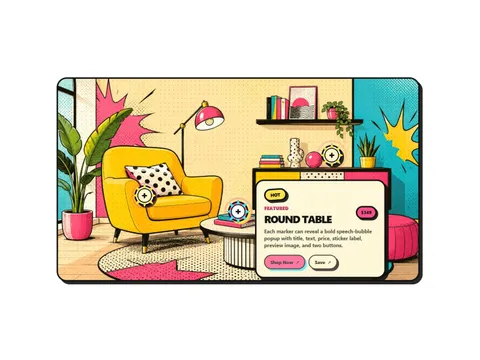
Bamora
€12.00
Comic-style image hotspots — a Framer component you configure entirely from property controls.
framer component
Reusable, fully configurable Framer components that solve the fiddly parts of a site — so you design the rest.
84 products
No products match these filters. Reset or try different options.
€12.00
Comic-style image hotspots — a Framer component you configure entirely from property controls.
€12.00
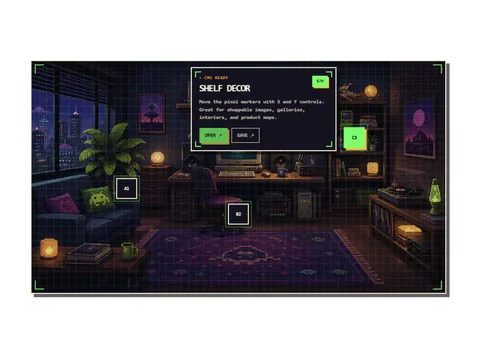
Retro pixel image hotspots — a Framer component you configure entirely from property controls.
Pay what you want
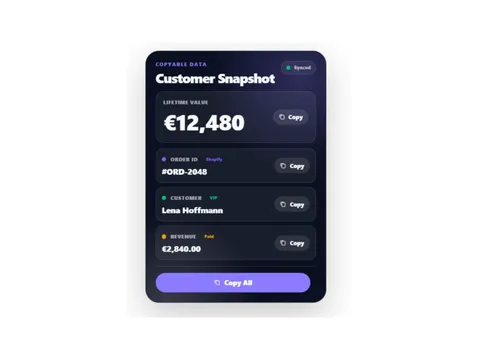
Copyable data card component — a Framer component you configure entirely from property controls.
€5.00
Kinetic headline typography — a Framer component you configure entirely from property controls.
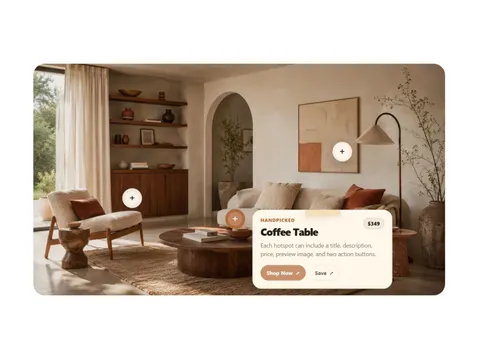
€12.00
Handmade editorial hotspots — a Framer component you configure entirely from property controls.
€5.00
Path animation line — a Framer component you configure entirely from property controls.
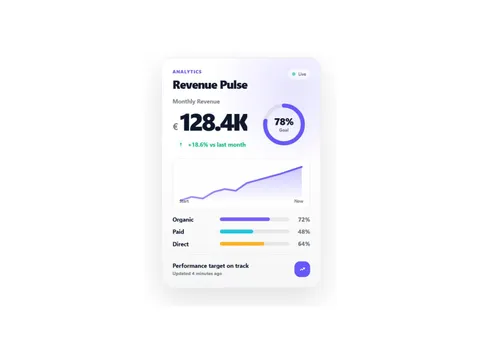
€7.00
Animated KPI dashboard card — a Framer component you configure entirely from property controls.
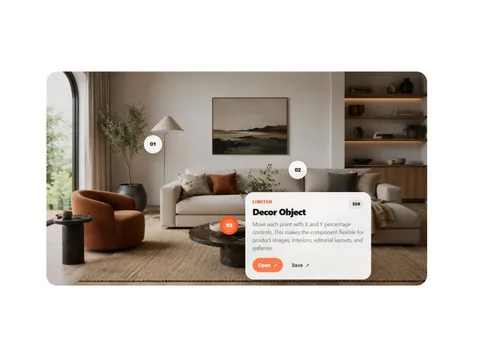
€12.00
Interactive CMS image hotspots — a Framer component you configure entirely from property controls.

€5.00
Rotating highlight headline — a Framer component you configure entirely from property controls.
€3.00
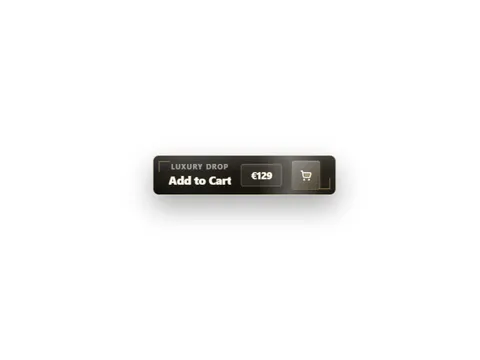
Luxury add-to-cart CTA — a Framer component you configure entirely from property controls.
€5.00
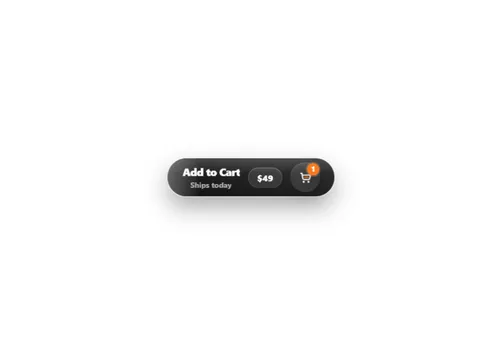
Premium animated shopping CTA — a Framer component you configure entirely from property controls.
€3.00
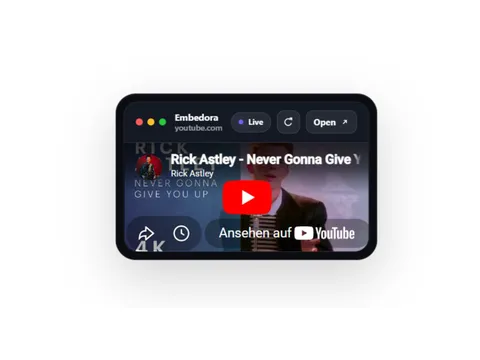
Flexible embed wrapper — a Framer component you configure entirely from property controls.

€12.00
Confetti press button — a Framer component you configure entirely from property controls.
€5.00
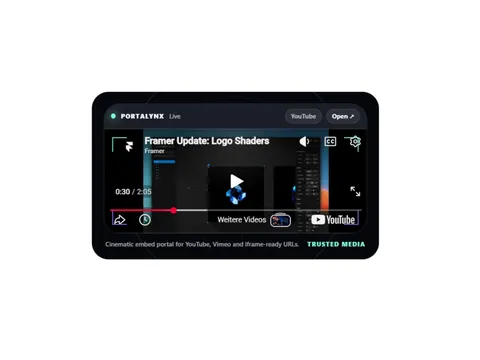
Cinematic secure embed portal — a Framer component you configure entirely from property controls.
€3.00
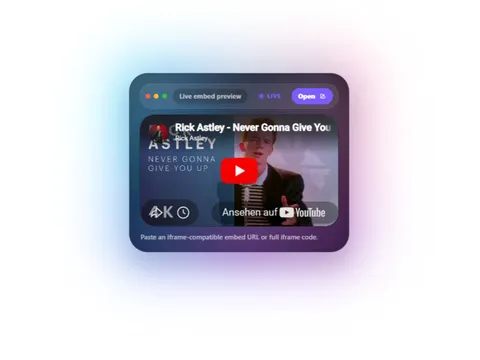
Cinematic tilt card with glow — a Framer component you configure entirely from property controls.
€5.00
Rich media embed block — a Framer component you configure entirely from property controls.
€3.00
Premium Cursor-Aware CTA — a Framer component you configure entirely from property controls.
€0.00
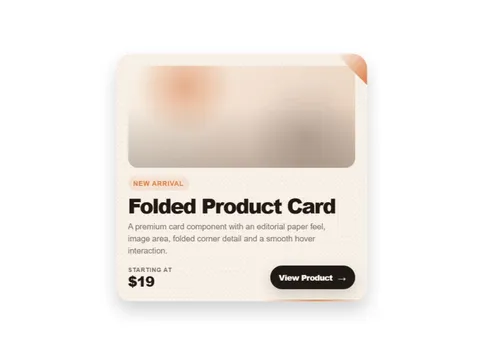
Premium folded product card — a Framer component you configure entirely from property controls.

€12.00
Celebration Button with Confetti — a Framer component you configure entirely from property controls.
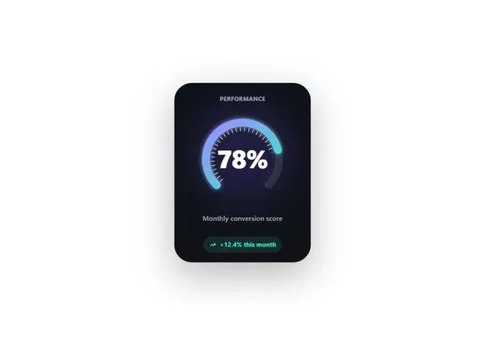
€9.99
Animated data gauge — a Framer component you configure entirely from property controls.
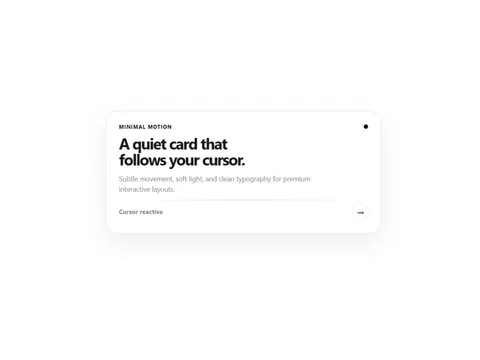
Pay what you want
Minimal Cursor Reactive Card — a Framer component you configure entirely from property controls.
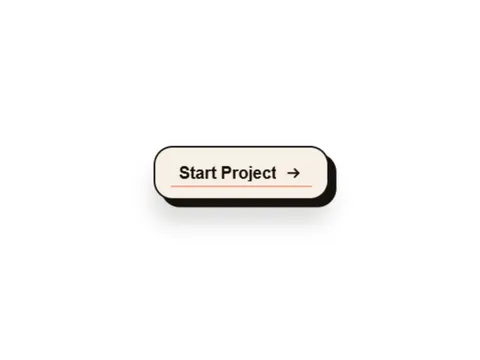
€3.00
Paper press interaction — a Framer component you configure entirely from property controls.
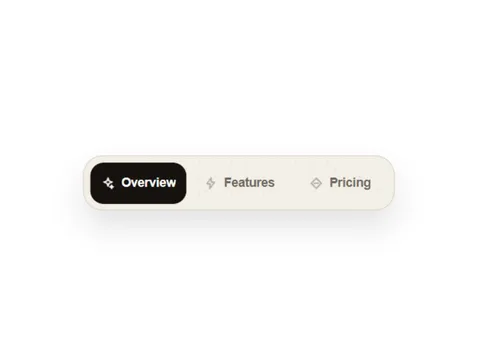
€5.00
Premium animated tab navigation — a Framer component you configure entirely from property controls.
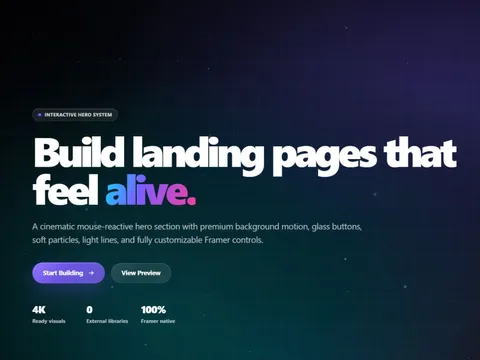
€12.00
Hero section block — a Framer component you configure entirely from property controls.
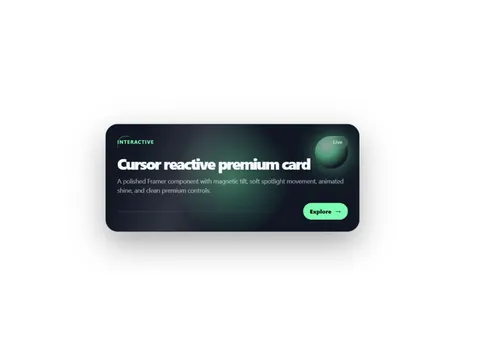
€5.00
Cursor Reactive Premium Card — a Framer component you configure entirely from property controls.

Pay what you want
Gradient card deck — a Framer component you configure entirely from property controls.
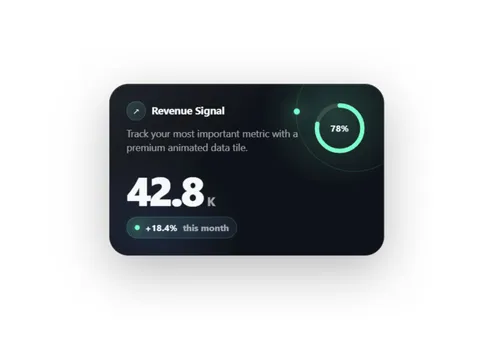
Pay what you want
Orbiting stats display — a Framer component you configure entirely from property controls.
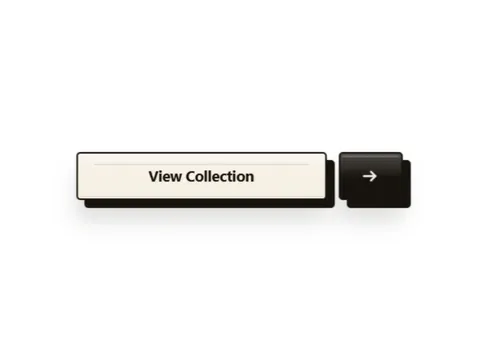
€5.00
Split layout block — a Framer component you configure entirely from property controls.
Pay what you want
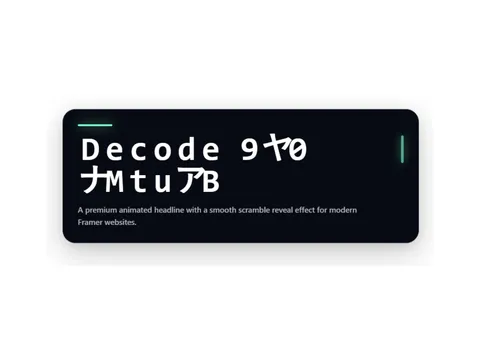
Decoding headline effect — a Framer component you configure entirely from property controls.
€3.00
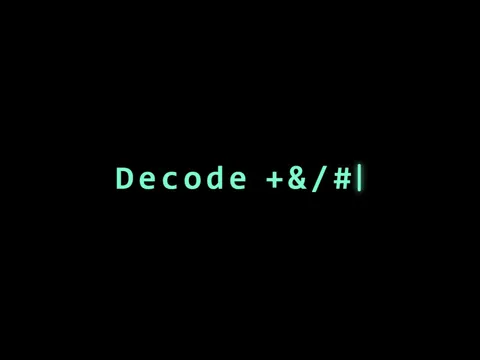
Decorative display text — a Framer component you configure entirely from property controls.
€5.00
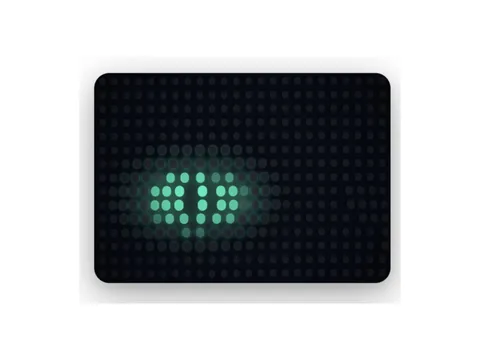
Animated form field — a Framer component you configure entirely from property controls.
€5.00
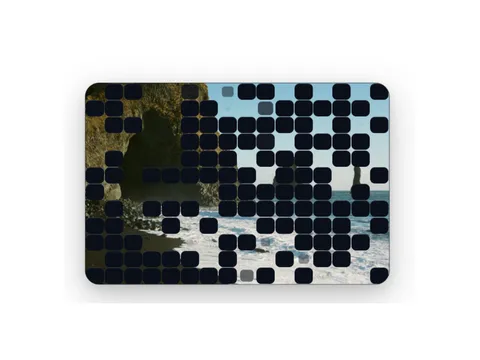
Pixel reveal effect — a Framer component you configure entirely from property controls.
€3.00
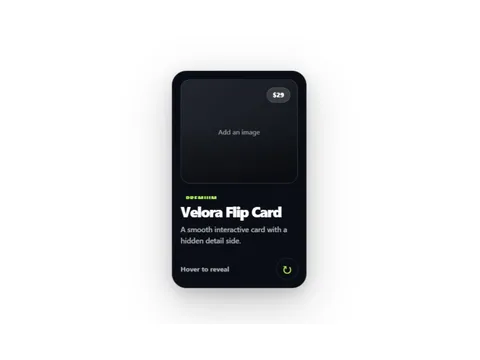
Flip card interaction — a Framer component you configure entirely from property controls.
€5.00
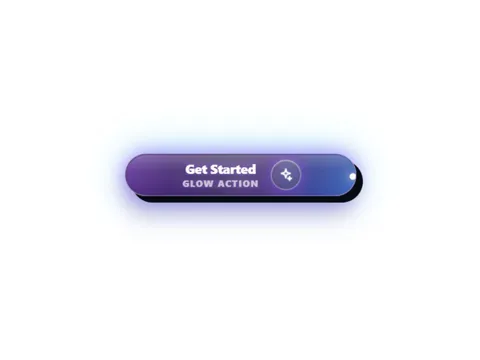
Soft glow press button — a Framer component you configure entirely from property controls.
€3.00
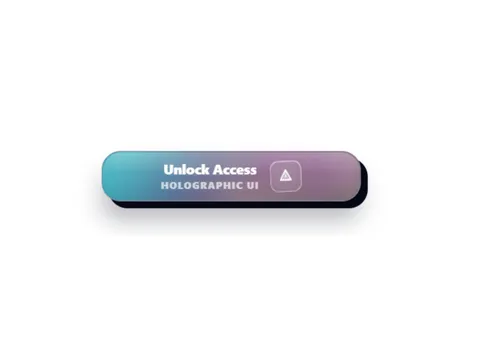
Holographic press button — a Framer component you configure entirely from property controls.
€3.00
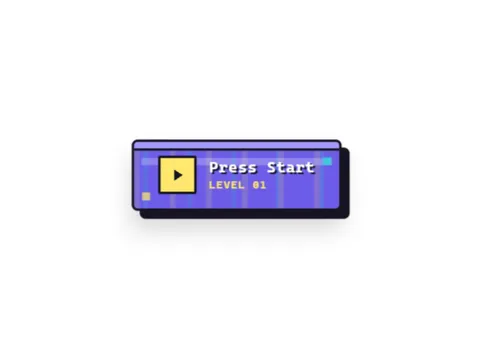
8-bit pixel press button — a Framer component you configure entirely from property controls.
€3.00
Minimal press button — a Framer component you configure entirely from property controls.
€3.00
Retro terminal button — a Framer component you configure entirely from property controls.
€3.00
Neo-brutalist press button — a Framer component you configure entirely from property controls.
€5.00
E-commerce press button — a Framer component you configure entirely from property controls.
€3.00
Claymorphic press button — a Framer component you configure entirely from property controls.
€3.00
Stacked layer press button — a Framer component you configure entirely from property controls.
€5.00
Marble texture press button — a Framer component you configure entirely from property controls.
€3.00
Matrix-style press button — a Framer component you configure entirely from property controls.
Pay what you want
Glassmorphic press button — a Framer component you configure entirely from property controls.
€3.00
Shop-style press button — a Framer component you configure entirely from property controls.
€3.00
Ticket-style press button — a Framer component you configure entirely from property controls.
€3.00
Paper press button — a Framer component you configure entirely from property controls.
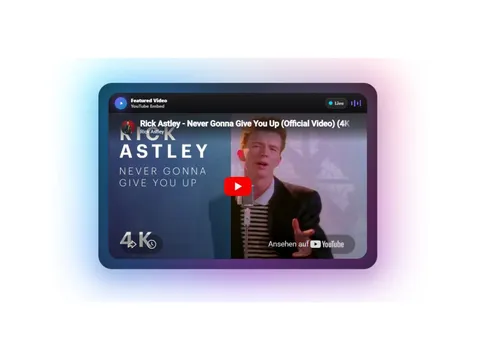
Pay what you want from €1.00
Ambient media player — a Framer component you configure entirely from property controls.
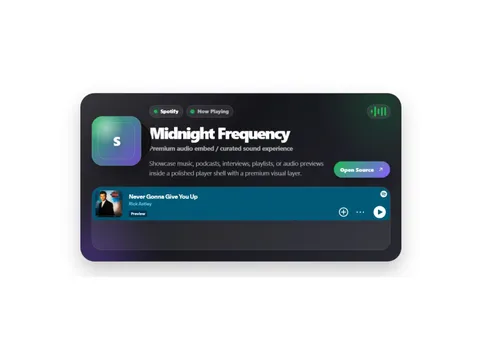
Pay what you want
Audio player embed — a Framer component you configure entirely from property controls.
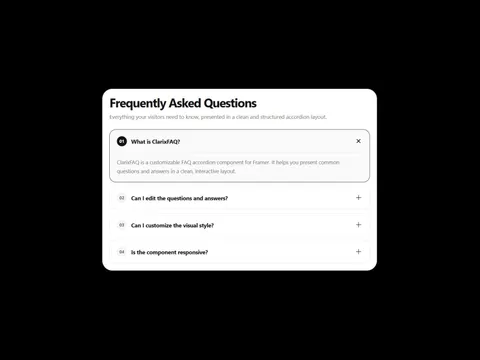
€5.00
Accordion FAQ block — a Framer component you configure entirely from property controls.
Pay what you want from €1.00
Coordinate pulse marker — a Framer component you configure entirely from property controls.

€5.00
Credit or citation embed — a Framer component you configure entirely from property controls.
Pay what you want
Animated Liquid Button — a Framer component you configure entirely from property controls.
€5.00
Framed media section — a Framer component you configure entirely from property controls.
Pay what you want
Kinetic motion button — a Framer component you configure entirely from property controls.
€5.00
Spotlight hover effect — a Framer component you configure entirely from property controls.
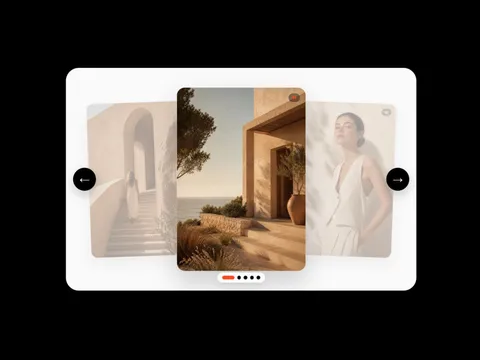
€15.00
Orbital flip cards — a Framer component you configure entirely from property controls.
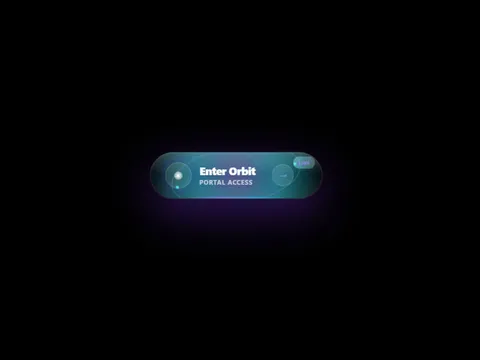
€5.00
Portal reveal section — a Framer component you configure entirely from property controls.
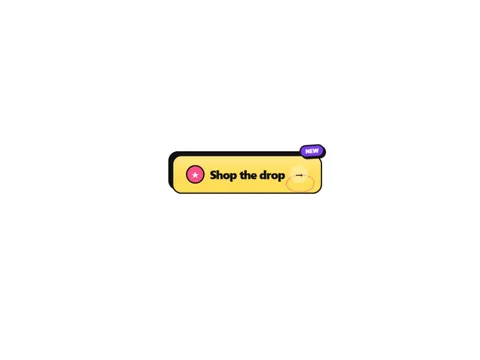
Pay what you want
Brutalist Sticker Button — a Framer component you configure entirely from property controls.
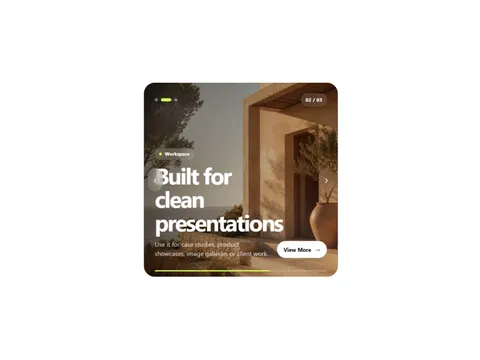
€5.00
Content carousel — a Framer component you configure entirely from property controls.
€3.00
Animated link button — a Framer component you configure entirely from property controls.
€5.00
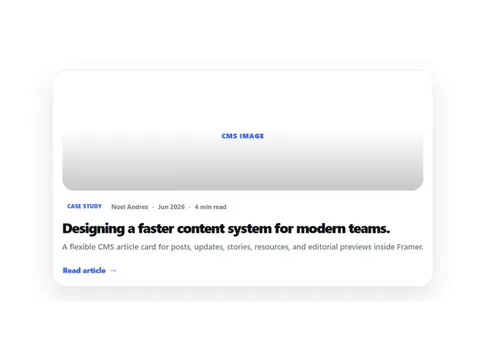
CMS Article Card — a Framer component you configure entirely from property controls.
€5.00
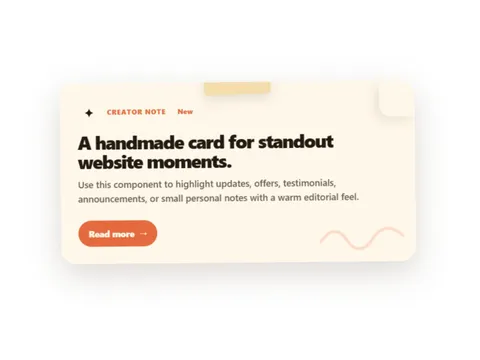
Handmade Note Card — a Framer component you configure entirely from property controls.
€5.00
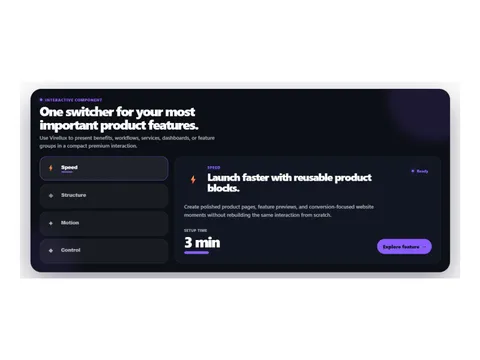
Premium Interactions Component — a Framer component you configure entirely from property controls.
€9.99
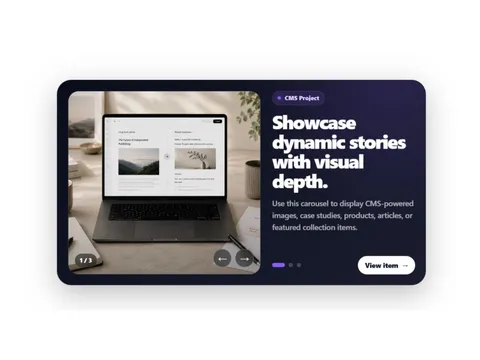
CMS image carousel component — a Framer component you configure entirely from property controls.
€5.00
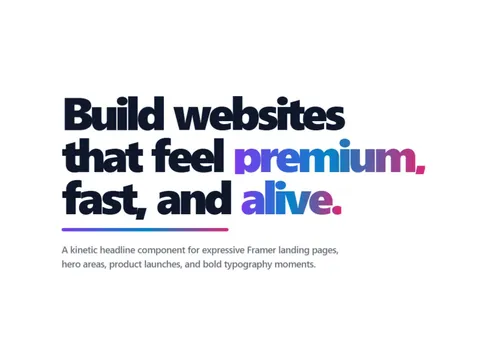
Kinetic animated headline — a Framer component you configure entirely from property controls.

€9.99
Premium Framer comic sticker with burst shapes, halftone dots, hover pop, and property controls.
€5.00
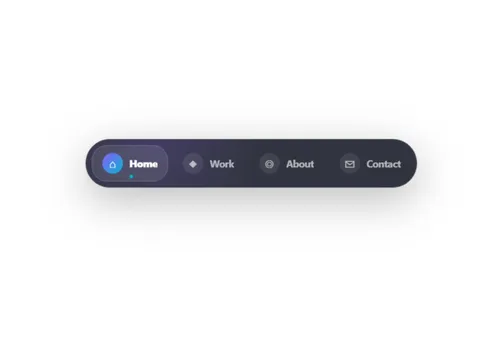
Floating navigation dock — a Framer component you configure entirely from property controls.
€9.99
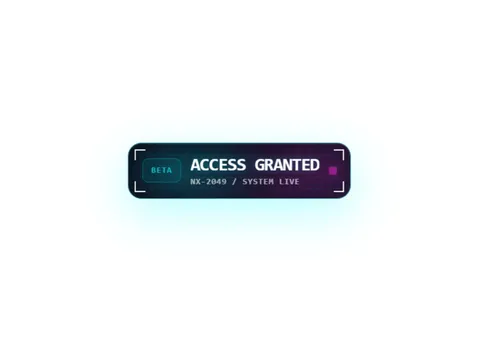
Cyberpunk glitch label — a Framer component you configure entirely from property controls.
Pay what you want
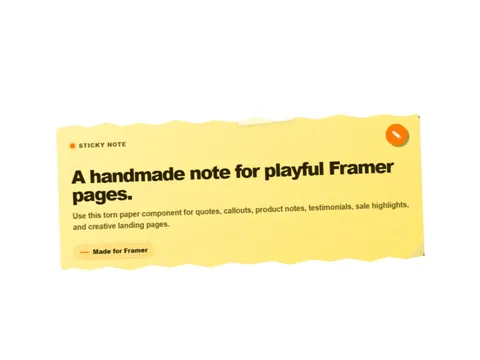
Handmade torn paper note — a Framer component you configure entirely from property controls.
€9.99
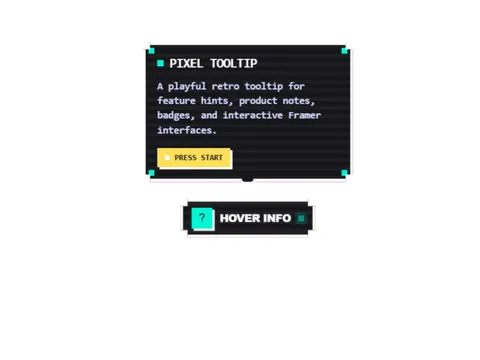
Retro pixel tooltip component — a Framer component you configure entirely from property controls.
€5.00
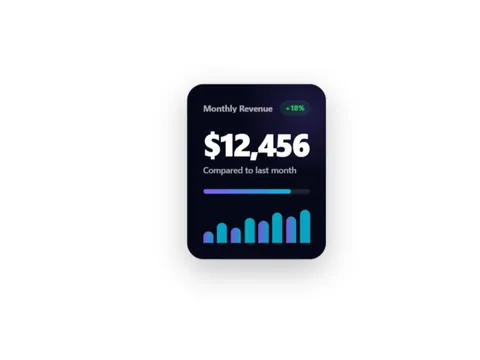
Animated data metric tile — a Framer component you configure entirely from property controls.
€5.00
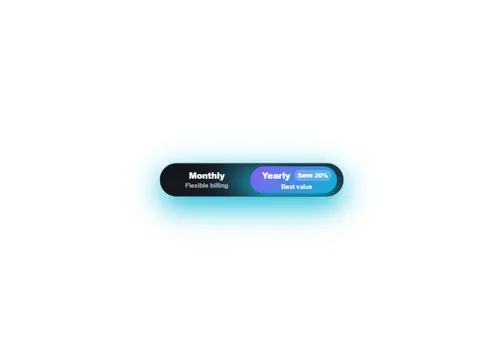
Premium animated pricing toggle — a Framer component you configure entirely from property controls.
€15.00
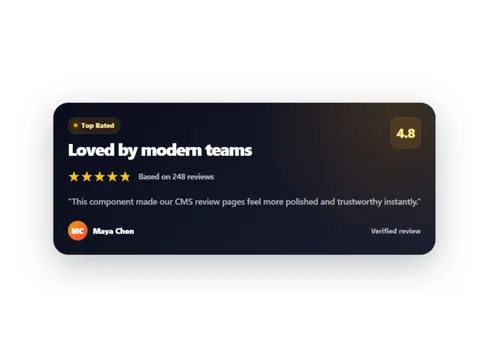
CMS-friendly rating card — a Framer component you configure entirely from property controls.
€5.00
Premium animated status badge — a Framer component you configure entirely from property controls.
€5.00
Premium animated glow CTA — a Framer component you configure entirely from property controls.
€5.00
Premium copy-to-clipboard chip — a Framer component you configure entirely from property controls.

€9.99
Animated progress ring — a Framer component you configure entirely from property controls.
€5.00
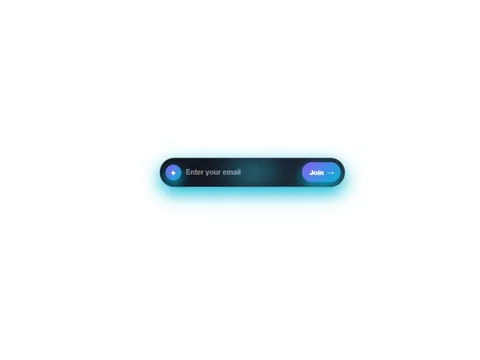
Command palette input — a Framer component you configure entirely from property controls.
€9.99
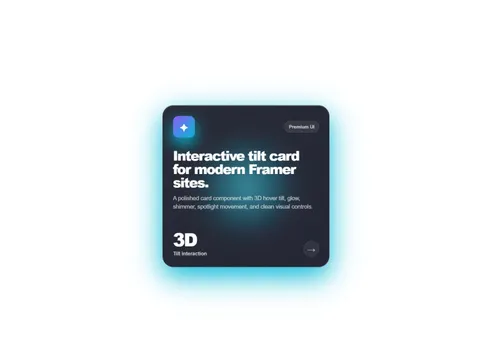
Premium interactive tilt card — a Framer component you configure entirely from property controls.
€12.00
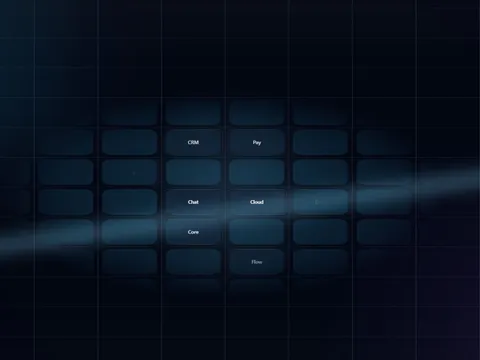
Animated grid background — a Framer component you configure entirely from property controls.
€5.00
Premium Buttons Component — a Framer component you configure entirely from property controls.
€5.00
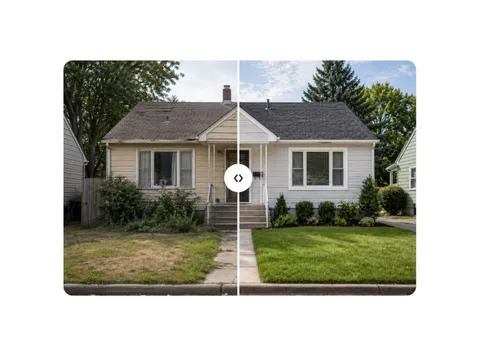
Clean before/after image slider — a Framer component you configure entirely from property controls.
Practical Framer Components articles — guides and glossary, not news updates.

Framer · Guide · October 2, 2026
A long-tail checklist for Framer CMS fields: one SEO title and one meta description per post, wired to the page head, not only the canvas.

Framer · Guide · October 1, 2026
Theme-buying searches routed to the selection guide, CMS SEO, portfolio case studies, and launch checks.
Framer · Guide · September 10, 2026
Publish SEO-ready articles in Framer CMS — distinct from Astro theme shopping and portfolio case study pages.

Framer · Guide · September 10, 2026
Route Framer CMS search demand to our collections guide, blog SEO articles, and Framer product categories.
Framer · Guide · September 10, 2026
A Framer conversion launch SEO checklist for merchants and designers. Learn how to ship a Framer site that loads fast, indexes cleanly, and keeps CTAs clear from day one.
Framer · Guide · September 10, 2026
SEO for Framer portfolio case studies: structure CMS projects, write outcomes-focused copy, and interlink work without duplicating generic Framer CMS tutorials.
Review SEO, mobile layout, CMS, and conversion basics before you publish — plus occasional updates and subscriber discounts.
You get a remix link and a copy-paste component. Paste it into your Framer project and configure everything through property controls.
Components that display repeating content ship with CMS-ready variants and setup instructions.
Framer is fast when the design is straightforward. The time loss usually starts with reusable interface details: pricing toggles, navigation patterns, CMS-driven cards, comparison tables, media galleries, badges, accordions and interaction-heavy sections. These Framer components package that repeated work into configurable building blocks with real property controls, so you can adapt the component without rewriting it.
That is especially useful for SaaS sites, product launches, portfolios and agency pages where the same patterns appear again and again. A good component should not feel like a locked design. It should expose the right controls for copy, layout, colors, states and sizing behavior while keeping the underlying implementation stable.
The best Framer components are built for real projects, not just visual demos. They should be accessible, configurable and predictable when content changes. Buttons need proper labels, interactive elements need keyboard support where relevant, and CMS-connected components should handle empty states, long titles and different image ratios without breaking the layout.
Property controls are the difference between a useful component and a fragile code snippet. If every change requires editing code, the component slows you down. If the main settings are exposed clearly, designers and marketers can keep moving inside Framer. That is the goal of this category: components that solve a specific interface problem while still fitting into your own brand system.
A component is not an SEO tool by itself, but it can help or hurt the page. Clear headings, accessible links, fast rendering and stable layouts make it easier for visitors and search engines to understand the content. Conversion-focused components such as pricing tables, feature comparisons and proof sections also help visitors make decisions without digging through long pages.
Use these components where they reduce friction: explain pricing, compare plans, show product states, make navigation clearer or turn repeated CMS content into a polished section. The strongest Framer sites are not the ones with the most animation; they are the ones where every component helps the visitor understand what to do next.