Skip to content
noel.marketing
Framer ComponentAvailable now

Framevia

Framevia Framer Component — Framed media section

Framed media section — a Framer component you configure entirely from property controls.

€5.00

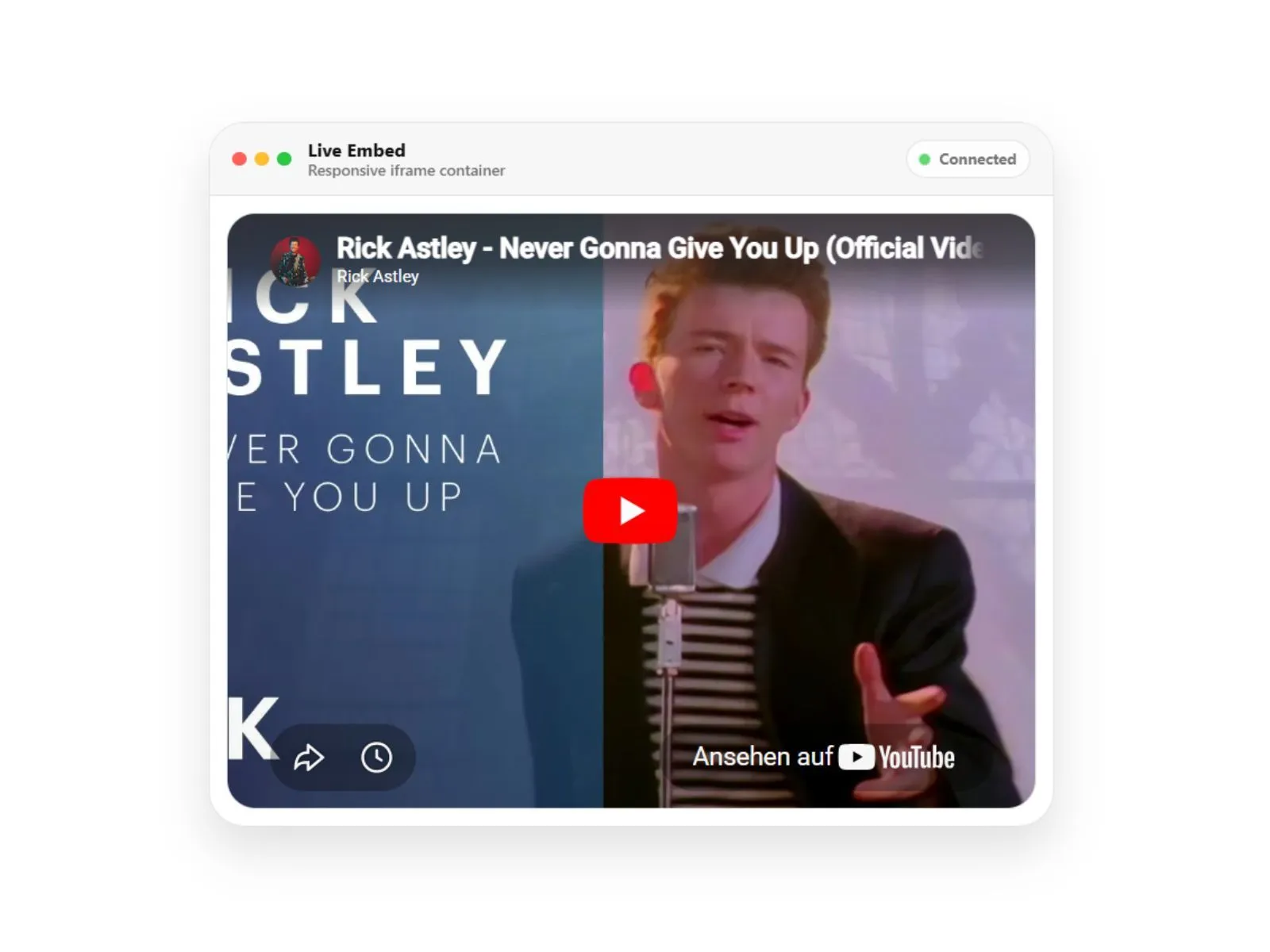
Framevia preview
Product preview

Secure checkout via Lemon Squeezy

VisaMastercardPayPalApple PayGoogle Pay

Available payment methods may vary by device and region.

Framevia

€5.00

Why it fits

What this component does

  • Device-style media frame

  • Image or video slot

  • Shadow and tilt controls

  • Responsive scaling

Built for

Use cases

Typical scenarios this product is designed to support.

  • App screenshot showcases
  • Product demo sections
  • Portfolio case studies

Works with

Why teams buy this component

Framevia wraps images or video in a device-style frame with optional shadow and tilt — a quick way to showcase product screenshots.

Frame style, media slot, shadow, and tilt angle are property controls.

What you get

  • Device-style media frame
  • Image or video slot
  • Shadow and tilt controls
  • Responsive scaling

Configure in the sidebar

Every visual and behavioral option is a property control — drop the component on your canvas, open the right panel, and rebrand it to match your project in minutes.
Next step

Pairs well with this

Related products that fit the same product line, stack, or launch workflow.

Ambi Lux Player preview

Ambi Lux Player

Pay what you want from €1.00

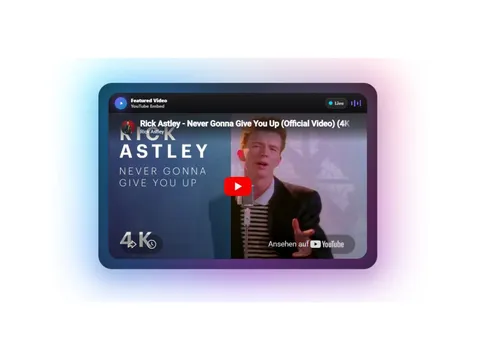
Ambient media player — a Framer component you configure entirely from property controls.

framer component
ArchivCMSArticleCard preview

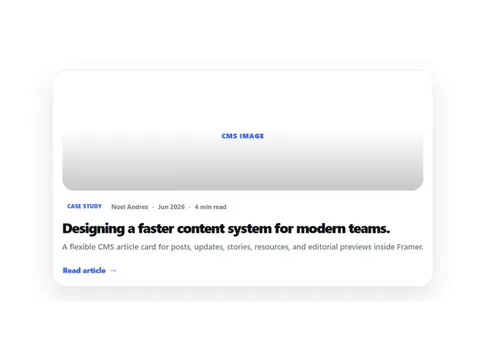
CMS Article Card — a Framer component you configure entirely from property controls.

framer component
Ascii Pulse Button preview

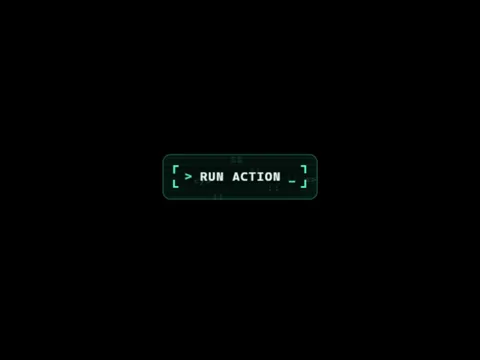
Retro terminal button — a Framer component you configure entirely from property controls.

framer component

Ready to launch

Start building today

Get instant access after checkout. Download the full source, customize locally, and deploy to your host.

Secure checkout via Lemon Squeezy

VisaMastercardPayPalApple PayGoogle Pay

Available payment methods may vary by device and region.

Frequently asked questions

Do I need code to customize Framevia?

No. Colors, typography, content, and behavior are exposed as Framer property controls in the right sidebar.