Skip to content
noel.marketing
Framer ComponentAvailable now

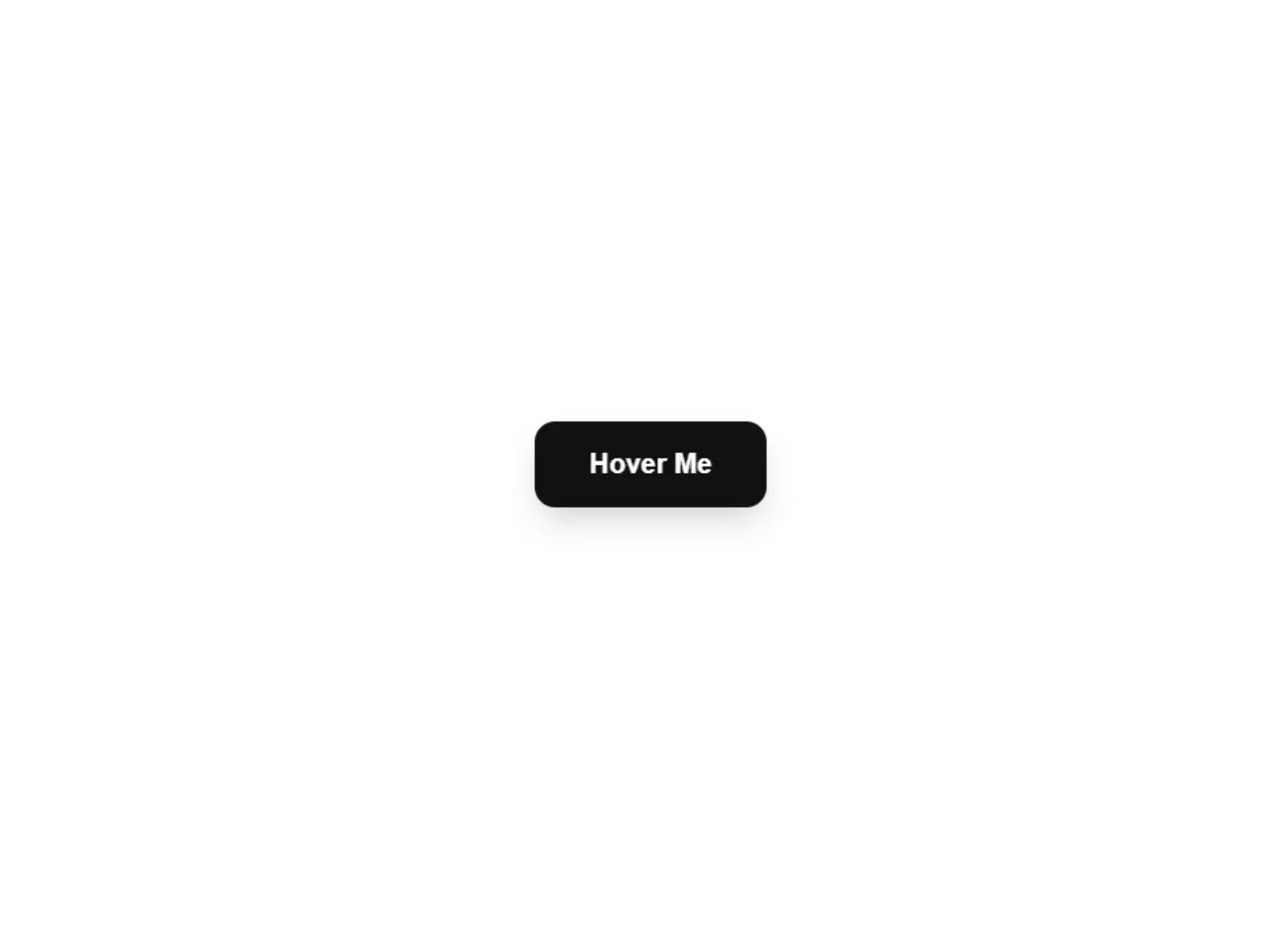
MagneticButtonV1

MagneticButtonV1 Framer Component — Premium Buttons Component

Premium Buttons Component — a Framer component you configure entirely from property controls.

€5.00

MagneticButtonV1 preview
Product preview
View demo

Secure checkout via Lemon Squeezy

VisaMastercardPayPalApple PayGoogle Pay

Available payment methods may vary by device and region.

MagneticButtonV1

€5.00

Demo

Live preview

Preview the component in-browser

Explore the real hosted demo directly on the product page, or open it in a dedicated tab.

Open full preview
https://tough-website-855881.framer.app/Demo

Why it fits

What this component does

  • Plug & Play: No coding required. Drop it onto your canvas and it works instantly.

  • Fully Customizable: Adjust the text, colors, border radius, and padding to fit any design system.

  • Adjustable Magnetism: Control exactly how strong the magnetic pull should be using a simple slider.

  • Hover & Tap States: Includes smooth scaling effects when hovered or clicked for extra tactile feedback.

  • Copy the component from the Remix link to your project.

Built for

Use cases

Typical scenarios this product is designed to support.

  • Landing pages
  • Marketing sites
  • Portfolio sections
  • SaaS product pages

Works with

Why teams buy this component

The ultimate micro-interaction for premium websites.

A magnetic button is the hallmark of modern, high-end web design. This component brings that organic, Awwwards-winning interaction right into your Framer projects. As the cursor approaches, the button subtly pulls towards it, creating a playful and satisfying user experience.

Component Highlights:

What you get

  • Plug & Play: No coding required. Drop it onto your canvas and it works instantly.
  • Fully Customizable: Adjust the text, colors, border radius, and padding to fit any design system.
  • Adjustable Magnetism: Control exactly how strong the magnetic pull should be using a simple slider.
  • Hover & Tap States: Includes smooth scaling effects when hovered or clicked for extra tactile feedback.
  • Copy the component from the Remix link to your project.
  • Drag it onto your page.
  • Use the right sidebar to change the button text, links, and brand colors.
  • Preview the site and move your mouse over the button!
  • Physics-Engine: Built with Framer Motion springs for realistic, bouncy physics that feel natural.

Configure in the sidebar

Every visual and behavioral option is a property control — drop the component on your canvas, open the right panel, and rebrand it to match your project in minutes.
Next step

Pairs well with this

Related products that fit the same product line, stack, or launch workflow.

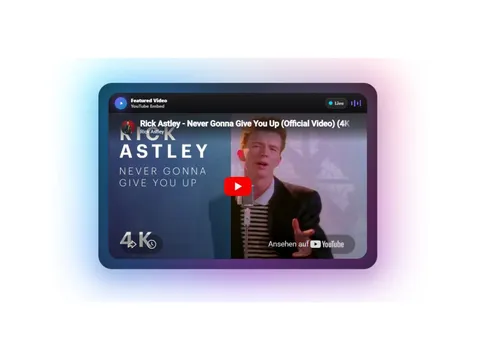
Ambi Lux Player preview

Ambi Lux Player

Pay what you want from €1.00

Ambient media player — a Framer component you configure entirely from property controls.

framer component
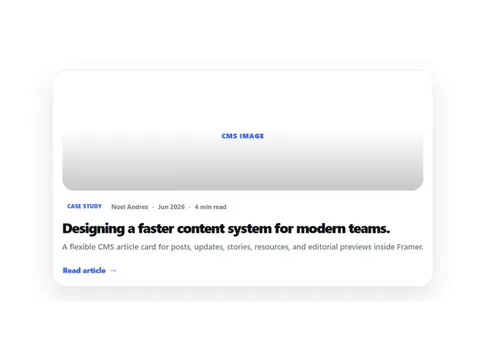
ArchivCMSArticleCard preview

CMS Article Card — a Framer component you configure entirely from property controls.

framer component
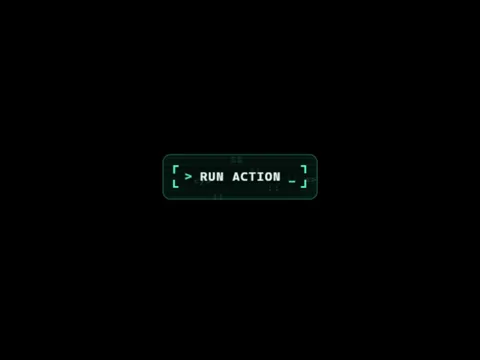
Ascii Pulse Button preview

Retro terminal button — a Framer component you configure entirely from property controls.

framer component

Ready to launch

Start building today

Get instant access after checkout. Download the full source, customize locally, and deploy to your host.

View demo

Secure checkout via Lemon Squeezy

VisaMastercardPayPalApple PayGoogle Pay

Available payment methods may vary by device and region.

Frequently asked questions

Do I need code to customize MagneticButtonV1?

No. Colors, typography, content, and behavior are exposed as Framer property controls in the right sidebar.